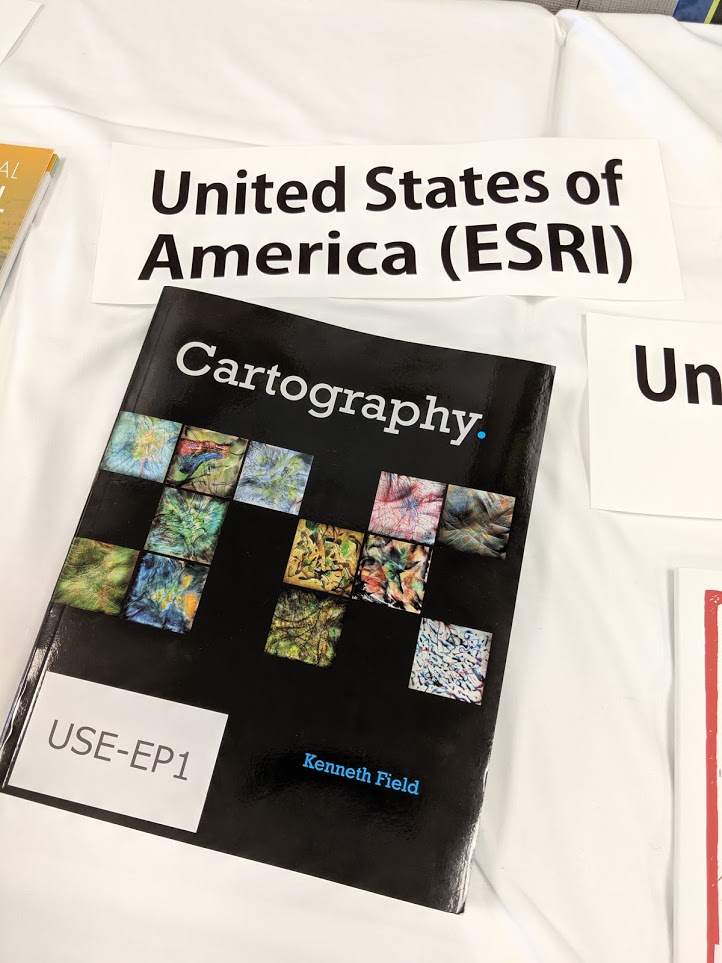
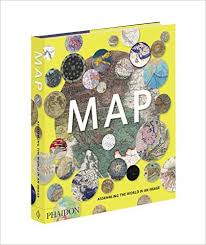
The Commission web site has been a little quiet recently, largely because my main focus has been in the completion of a major new book. I’m delighted to announce that Cartography. (Cartography, period OR Cartography, full stop) was published on June 28th by Esri Press and is available from all good online retailers. While not an official ICA publication it does bear the ICA logo due to the support received from many ICA friends and colleagues during its preparation. It therefore represents one of the main outputs from Commission members for the current period 2016-2019.

Making maps has progressed from filling empty spaces with mythical creatures to trying to unravel the complexities in data to present meaning with clarity. Cartography. sets out to demystify the discipline and promote the idea that thinking is key. Approaching mapmaking by thinking about what you want your map to say, how to build something meaningful from visual ingredients, how people read the graphical signage, and what emotions you want to spark is the magic needed to make a better map.
Data and the tools to make maps have become ubiquitous and so many more people are making maps. Technology has made the mapmaking task fast, simple, and reproducible but thinking what the technology is actually doing helps you make a better map. It is almost incomprehensible to understand how maps were made even 20 years ago. Automation has played a huge role in design and production but in some ways it may have led to a lack of appreciation of what goes into making a good map. Making a map fast does not necessarily lead to a great map.
Cartography doesn’t need to be hard and whilst there’s plenty of what might be called rules, these are just guidelines developed from decades of practice and people working out what works and why. Maps should be objective and have scientific rigor but there’s plenty of scope for creativity. Any design-led field sits at the intersection of science and art, and learning some of the rules means you’ll know when best to break them.
A lot of thought and experience has gone into making this book. It encapsulates the wisdom of many people who have taught me and from whom I have learnt. What I have tried to achieve is a translation of cartography from a specialist domain to one that builds a bridge between cartographer and mapmaker. I’ve tried to make the subject practical and valuable, not only as a reminder to professionals but as a companion to all who need to make a great map. We’ve all been beginners somewhere along our journey, and we’re all amateurs at some things. As a cartographic professional, I hope this supports people in their own cartographic journeys.

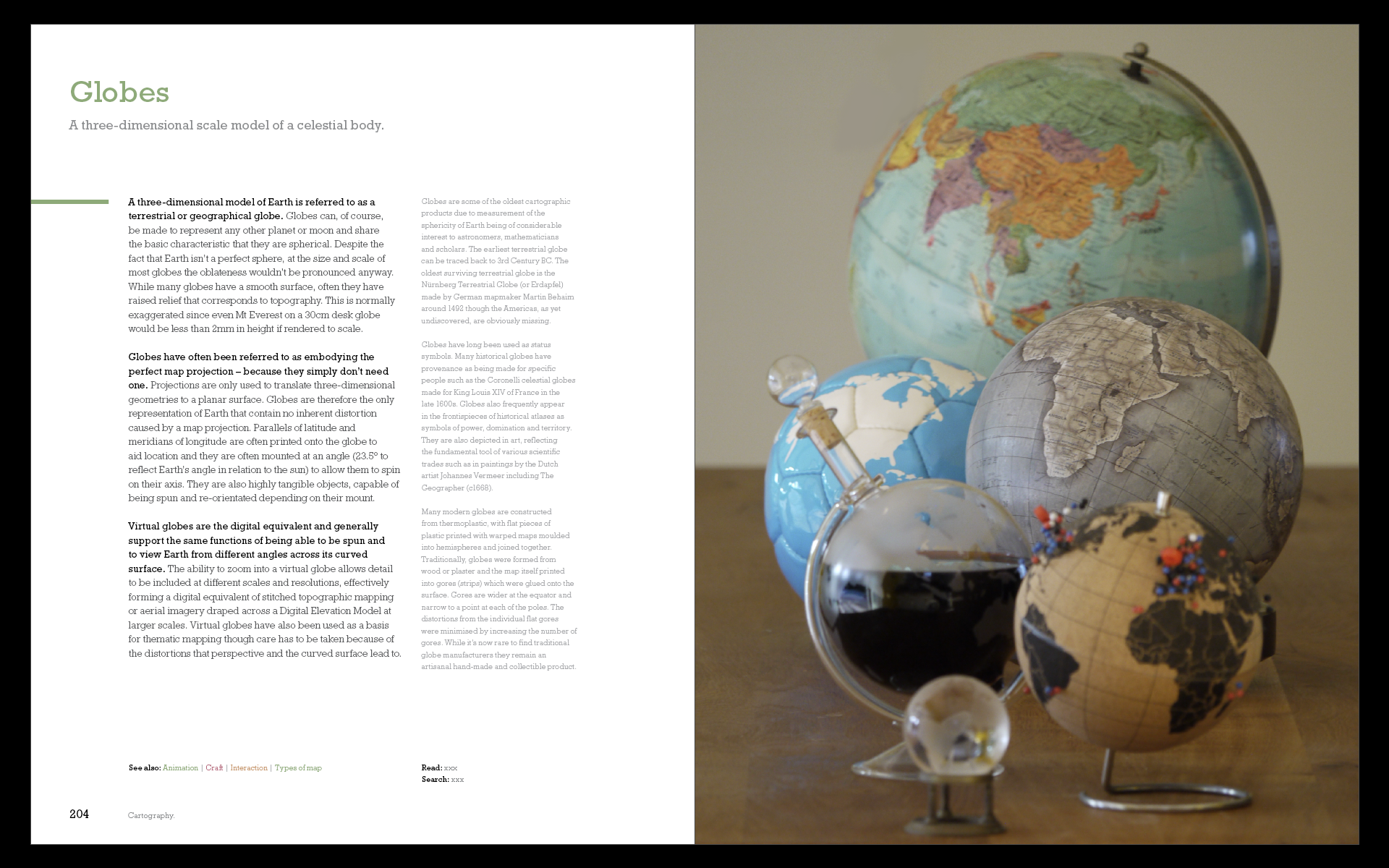
The book weighs in at 576 pages. There’s over 180,000 words, and 333 illustrations which mix classic and contemporary maps with original examples and illustrations. Over 100 organisations and individuals have contributed by giving permission for their work to be incorporated. Material is organized alphabetically, providing an accessible, encyclopedic approach rather than presented linearly as a traditional text book. The book, then, is a collection of not just my ideas but that of many, many experts in the wider cartographic, and allied fields. To that end, I believe it brings together the very brightest talent currently involved in both academic and commercial cartography to help me bring this book to life
The Bulletin of the Society of Cartographers has referred to it as a ‘game changing book’. Reviewer Christopher Wesson sums the book up: ‘What Kenneth Field has created here is a brilliant reference book on behalf of our field of cartography. Finally! A book that truly represents Cartography in 2018.’ But don’t take my word for it, you can read the review here. Once you’ve had a look, let me know what you think. I can be found on Twitter @kennethfield and I’m using the hashtag #cartographybook.
Cartography. Is available in softcover (ISBN: 9781589484399, 576 pages, US$94.99) and in hardcover (ISBN: 9781589485020, 576 pages, US$129.99). Both editions can be obtained from most online retailers worldwide. They are available for purchase at esri.com/series or by calling 1-800-447-9778. Outside the United States, visit esri.com/esripressorders for complete ordering options, or visit esri.com/distributors to contact your local Esri distributor. Interested retailers can contact Esri Press book distributor Ingram Publisher Services.
Some praise for the first edition:
“An Impressively creative and useful scholarly contribution.” – Mark Monmonier, author of How to Lie with Maps; Distinguished Professor of Geography, Syracuse University, NY.
“Read the book for pragmatic advice or to braden your horizon; for me, it did both.” – Menno-Jan Kraak, president of the International Cartographic Association (ICA); professor, University of Twente, Enschede, Netherlands; author of Mapping Time and coauthor of Cartography, Visualization of Geospatial Data.
“What Kenneth Field has created here is a brilliant reference book on behalf of our field of cartography. Finally! A book that truly represents Cartography in 2018.” – Christopher Wesson, The Bulletin of the Society of Cartographers.
“This beautifully designed book, meant to inspire and lead by creative exemplars, illuminates well-grounded cartographic concepts in a way that emboldens you to implement ideas onto maps.” – Patrick J. Kennelly, Ph.D., professor of geography, Long Island University, NY
“This book actually makes me think that I should teach cartography again, now that there is a decent text” (Assc. Prof. Bernie Jenny, Monash University, Australia)
“I would accept this as a gift.” – Daniel Huffman (somethingaboutmaps.com)
“A work of substance and passion” – Colin Field (my brother)
“who’s going to buy that?” – Amelia Field (my niece)
“I’ve read a little bit and I’m impressed.” – Eleanor Field (my daughter)
“It’s incredible – an amazing publication” – Lauren Tierney (Washington Post)
“It’s not bad” and “a masterpiece” – Ian Sims (Esri, with British humour)
“a real gamechanger in the field” – Steve Chilton (Chair, Society of Cartographers)
“A bit big to take on a plane” – anon reviewer
“A work of creative scholarship, sort of like a painting hanging in a gallery—something about which one is reluctant to question the brush strokes or choice of colors. Art is supposed to make you think, and Ken’s book does that.” – anon reviewer
“a beautifully designed book that highlights important considerations for those interested in map making” – anon reviewer
“the structure is immensely satisfying. Dive as deep or as shallow as needed and in and out of topics as you please. Kudos.” – Warren Davison (via Twitter)
“This edition just blows my mind amazing!!” – Fernando Benitez (via Twitter)